wait, you didn't code this?
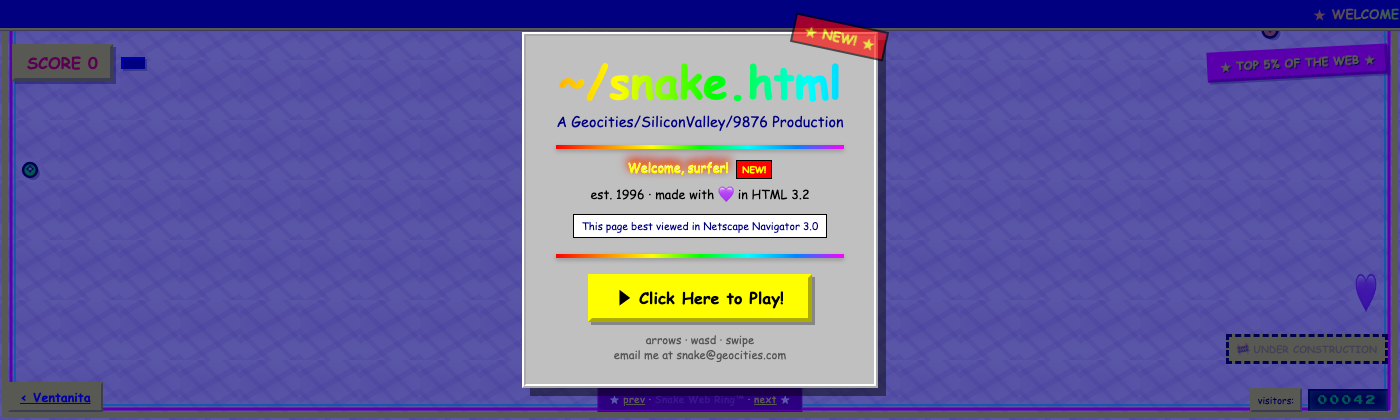
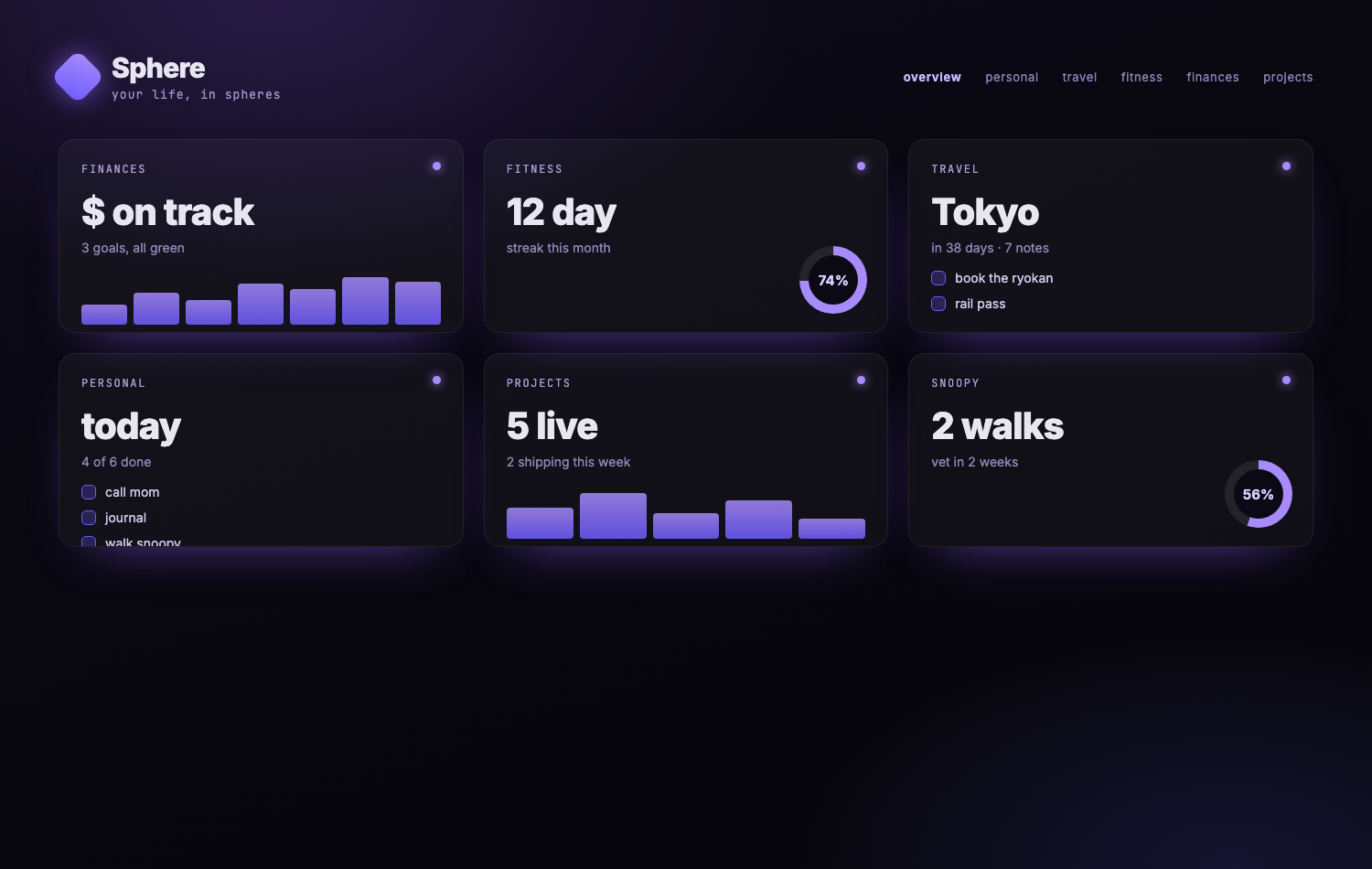
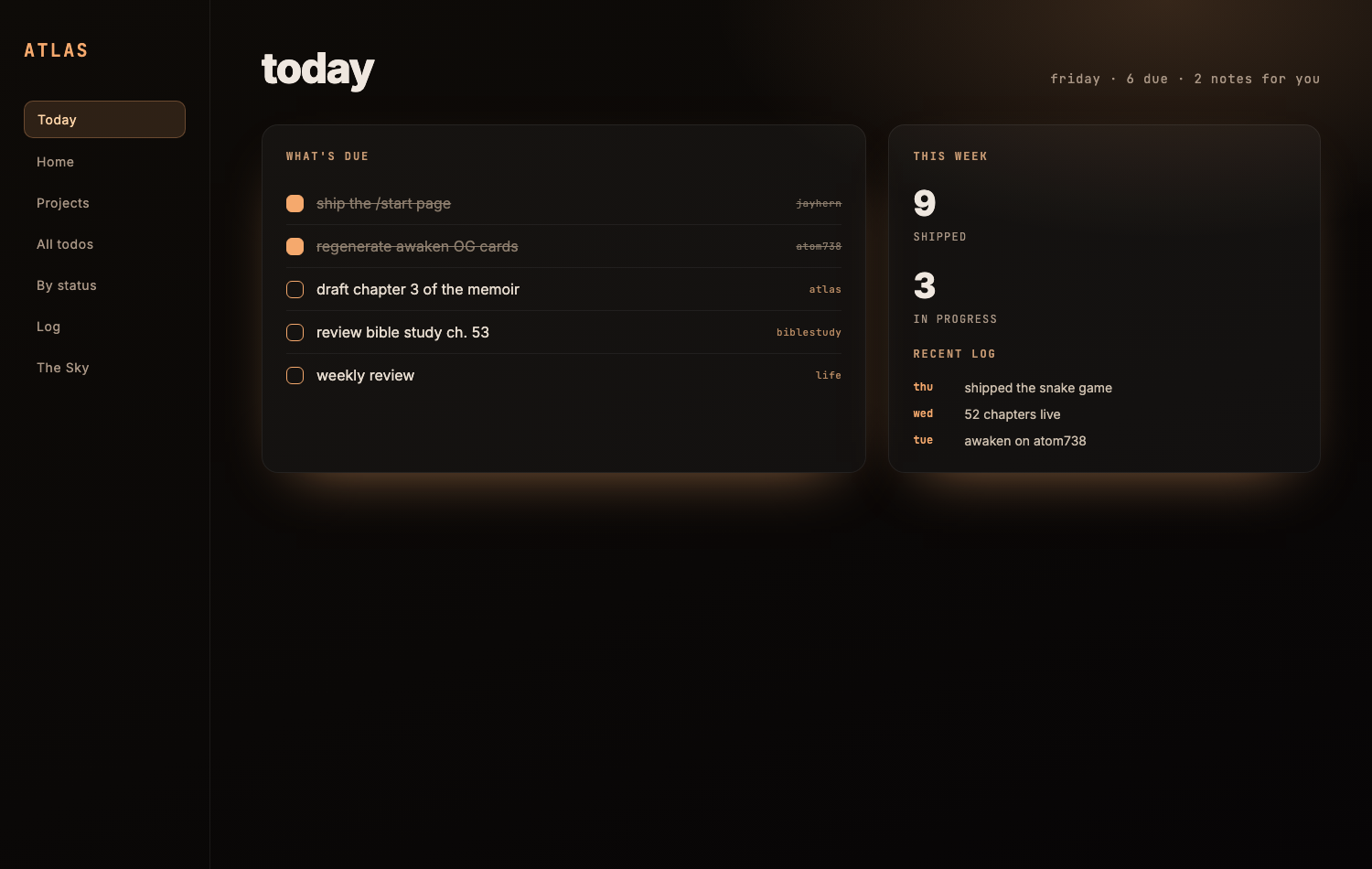
Nope. Not one line. Every project on this site was built through conversation with AI. The interactive essay on how AI thinks. The meditative snake game. The cinematic chapters at atom738. The bible study. The AI OS field guide. All of it.
The loop is simple. You describe what you want. The AI writes it. You look at the result, ask for changes, and keep going until it works. There is no point where you need to read code you do not understand.
The skill is not writing software. The skill is knowing what you want and being able to describe it clearly. If you can write a decent email, you can do this.
your notes, suddenly awake.
Most AI lives in a chat window and forgets you the second you close the tab. Pointed at your Obsidian vault, it remembers everything, for good. Your notes stop being a graveyard and start working for you.
Paste a mess, or talk through a whole voice memo. It comes back as a clean note, in the right folder, already linked and tagged.
"What did I decide about the move?" It replies from your own notes and points to the exact page it came from, not the internet.
It reads every note as an idea, proposes a clean structure, then rebuilds the whole vault, with your yes on each step.
It links notes you never knew were related, so an old idea resurfaces the exact moment it finally matters.
No plugins, no terminal, no setup. Plain text on your own machine that you own forever.
the tools
One of these is not like the others. Obsidian is home base, and the only piece that is not AI. The other three are AI apps that all work inside it. You do not need them all. Tap any card.
obsidian not AIhome base · where everything lives
A free notes app, and the one tool here that is not AI. Everything you make lives inside it as plain text, on your own computer. It remembers everything, locally and private, so nothing ever leaves your machine.
how it works. You organize your whole life here by letting AI work directly inside this vault. Obsidian is the home; the three AI apps below all plug into it and read and write these same files. You can switch between them freely, your vault never changes.
obsidian.mdthe three AI apps · all work inside your vault
kiro my favoritethe AI builder I reach for first
An AI builder you talk to. Describe what you want and watch it write your project's files in real time, while you steer in plain language the whole way.
why it is my favorite. It is the one I reach for first. If you have never built a website or an app, this is where it appears, piece by piece, without you writing a single line.
kiro.dev
claude coworkthe coworker that runs on its own
Claude working on its own. You hand it a whole task, plan a series, organize the vault, research a topic, draft a chapter, and it carries it out across your files by itself, checking with you before anything big.
cowork vs claude code. Cowork is hands-off: you give it a goal and it runs, on its own, in the background. Claude Code (below) is hands-on: you direct it move by move. Reach for Cowork to think and organize your life, and Claude Code to build.
claude.com/product/cowork
claude codethe hands-on builder you direct
Claude as a precise builder you steer step by step. Where Cowork runs on its own, Claude Code does exactly what you direct, one move at a time, which makes it the best of the three for making real things.
I run it inside Visual Studio Code, a free code editor. That is my favorite way to work with Claude Code. There is a longer write-up in the workshop.
the setup, in detail what is free · what i pay for
All four have a real free or low-cost tier, and none require any coding background. Here is what each one gives you, and what I actually run.
Free, forever. The whole app: your notes as plain text on your own computer, unlimited, no account, nothing sent to a server. Two optional add-ons if you want them, Obsidian Sync (encrypted, across your devices) and Obsidian Publish (turn a vault into a website).
A free tier to try it. Claude Pro unlocks both Cowork and Claude Code. Claude Max is the same, with far more daily usage (its 5x and 20x tiers), which is what you want when you are building for hours. Max is the membership I run.
A real free tier with working models. The paid tiers (Pro, Pro+, Power) add more room to build and premium models like Claude Opus and Sonnet. I keep a paid plan, since this is where most of my building happens.
Always free. It is just the editor I open Claude Code inside. Nothing to buy.
Want the exact stack behind this site? Obsidian (free) + Claude Max + a paid Kiro plan, all driven from VS Code. Start free, and only upgrade the one you actually hit limits on.
how a build actually goes
It starts in Claude Cowork. You point it at your Obsidian vault, the folder where all your thinking lives, and from then on Claude works inside it with you. It reads your notes, writes new ones, organizes the mess, and holds the thread across days.
So a build begins as a conversation. You talk through what you are making: the problem, the audience, the feeling. Claude takes it down as you go, drops it into the vault, and links it to what is already there. By the time you stop talking, the plan exists as real files you can see.
Then the building. You hand that plan to kiro or claude code and describe the first piece. The AI builds it. You look. If it works, ask for the next thing. If it is wrong, say what is wrong. If it is ugly, say so.
The whole time, Cowork is still holding the context, so you never start from scratch and never re-explain yourself. You stay in your own vocabulary, from the first sentence to the finished thing.
the starter kit
One markdown file with everything you need to begin.
Inside: a folder structure that works on day one, a starter instructions file (the document that tells the AI how you like to work, how you think, what your projects are), and a short walkthrough to get the four tools talking to each other.
Download it. Open it in obsidian. You have a workspace.
download the starter kit- 1make a folder, drop the file in
Create a new folder on your computer and move starter-kit.md inside. That folder is your workspace.
- 2install obsidian (free)
Get it at obsidian.md, choose "open folder as vault," and pick that folder.
- 3point claude at the same folder
Open Claude Cowork (or Kiro) and give it access to that folder, so the AI can read and write your files.
- 4fill in ABOUT-ME.md
Open the ABOUT-ME file and answer a few questions about how you like to work. This is what makes the AI feel like it already knows you.
- 5describe your first thing
Tell it what you want to make, in plain words. Watch it build, and keep going until it is right.
If you make something with it, send it. I want to see what you build.